Real Business Processes. Automated with AI.
Incoming documents look different. Your process shouldn't have to. DocWeaver captures, validates, and delivers clean data straight into your ERP — automatically.
Book a Demo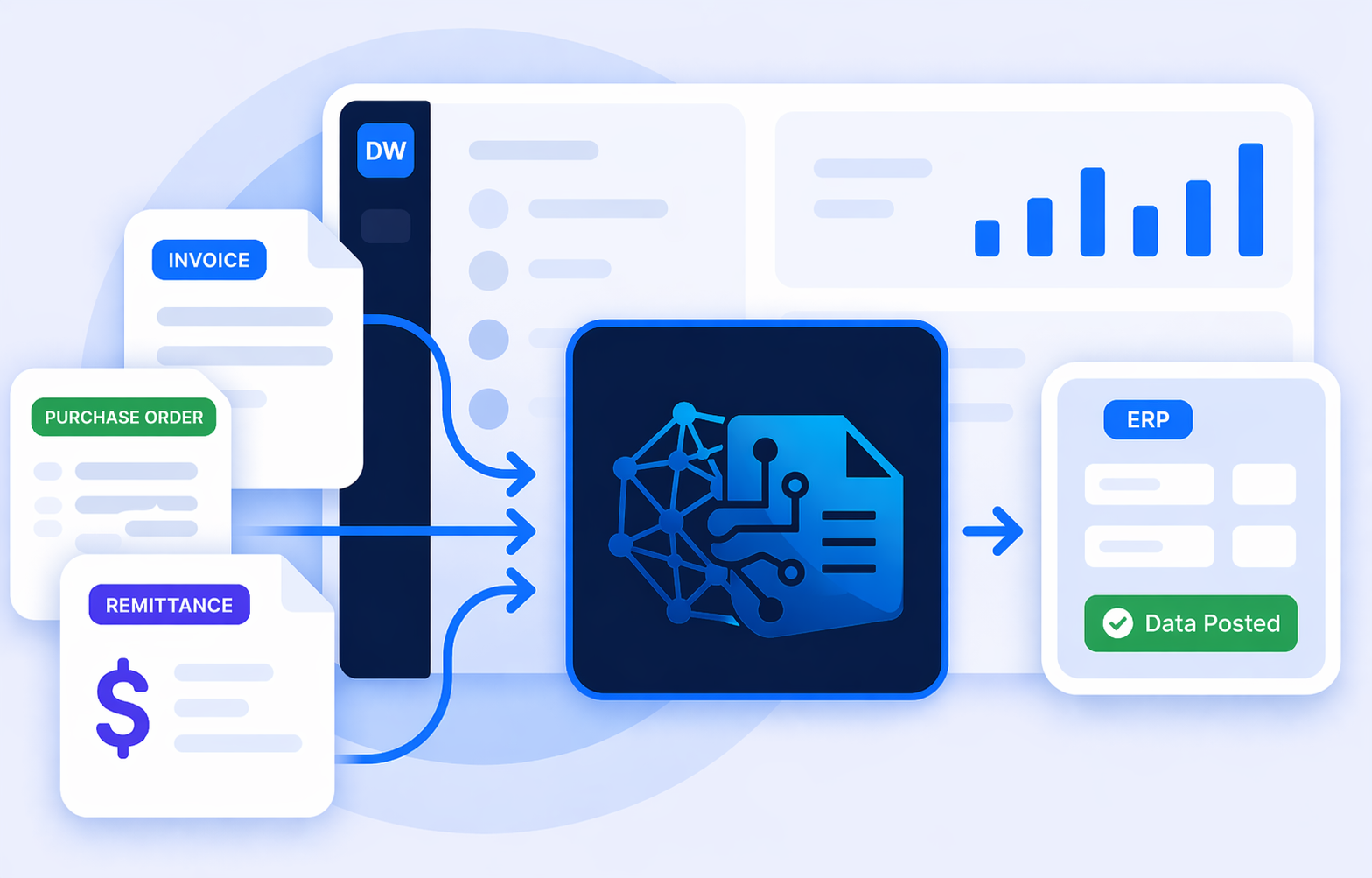
Built for Every Team
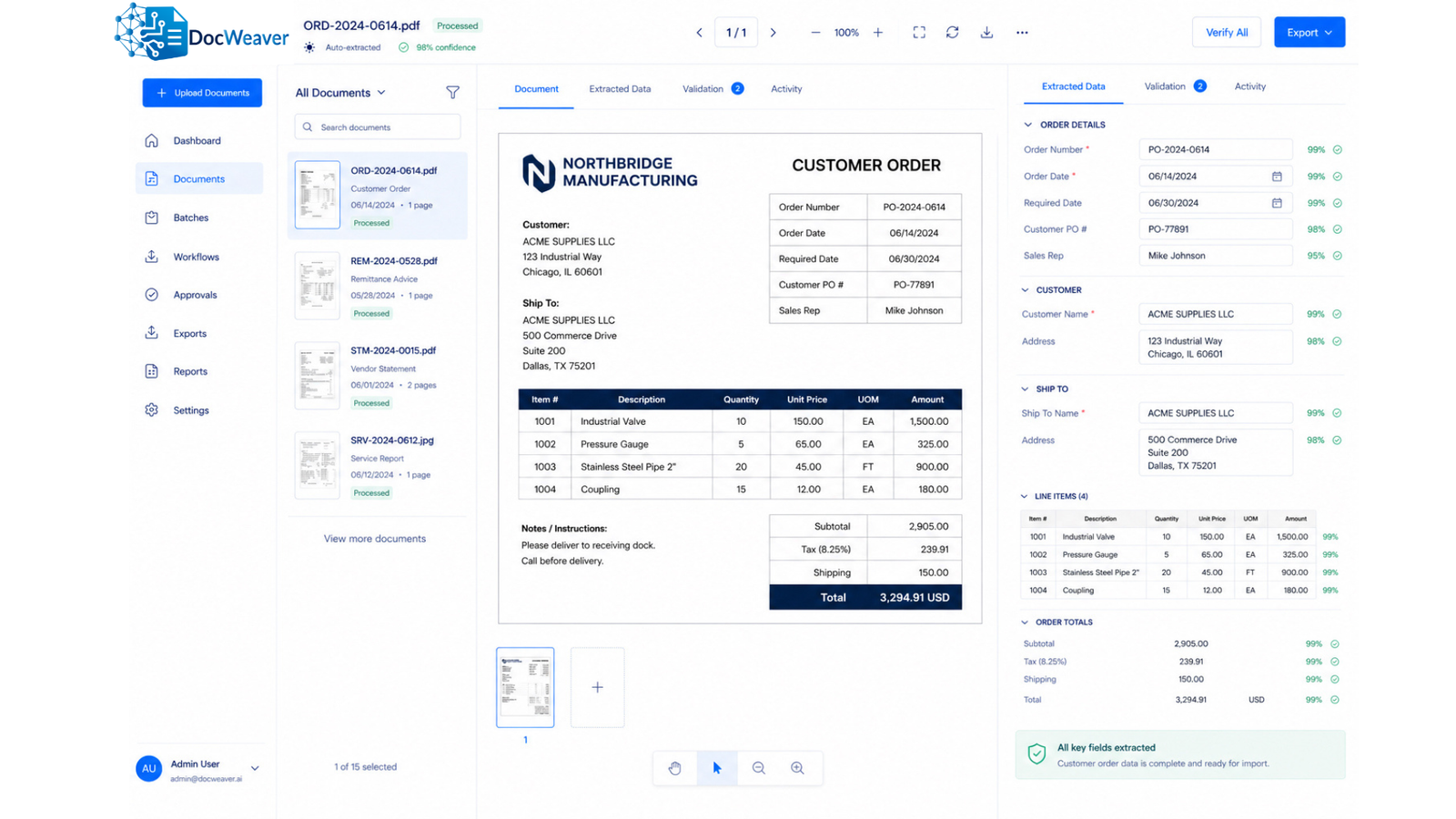
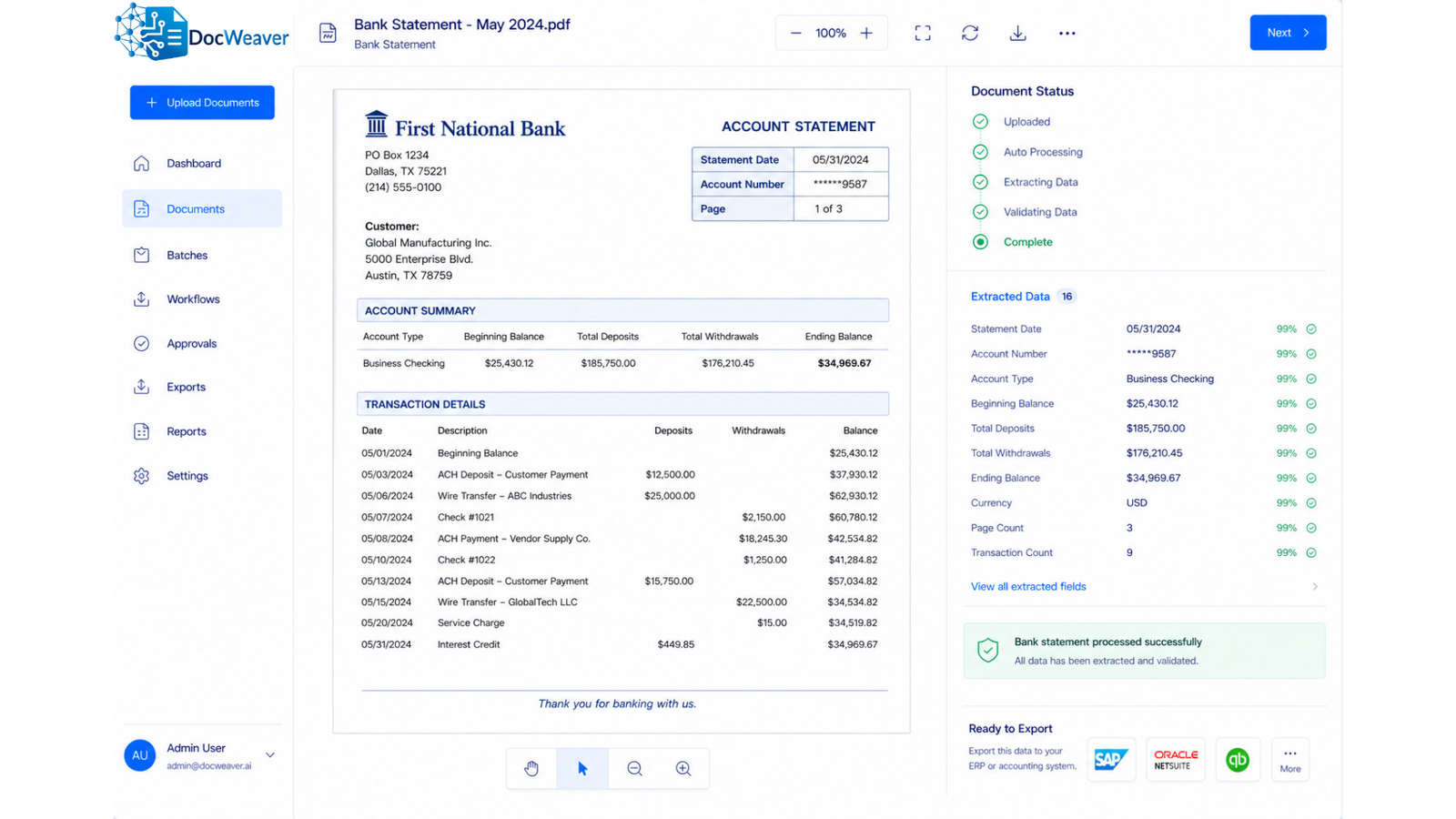
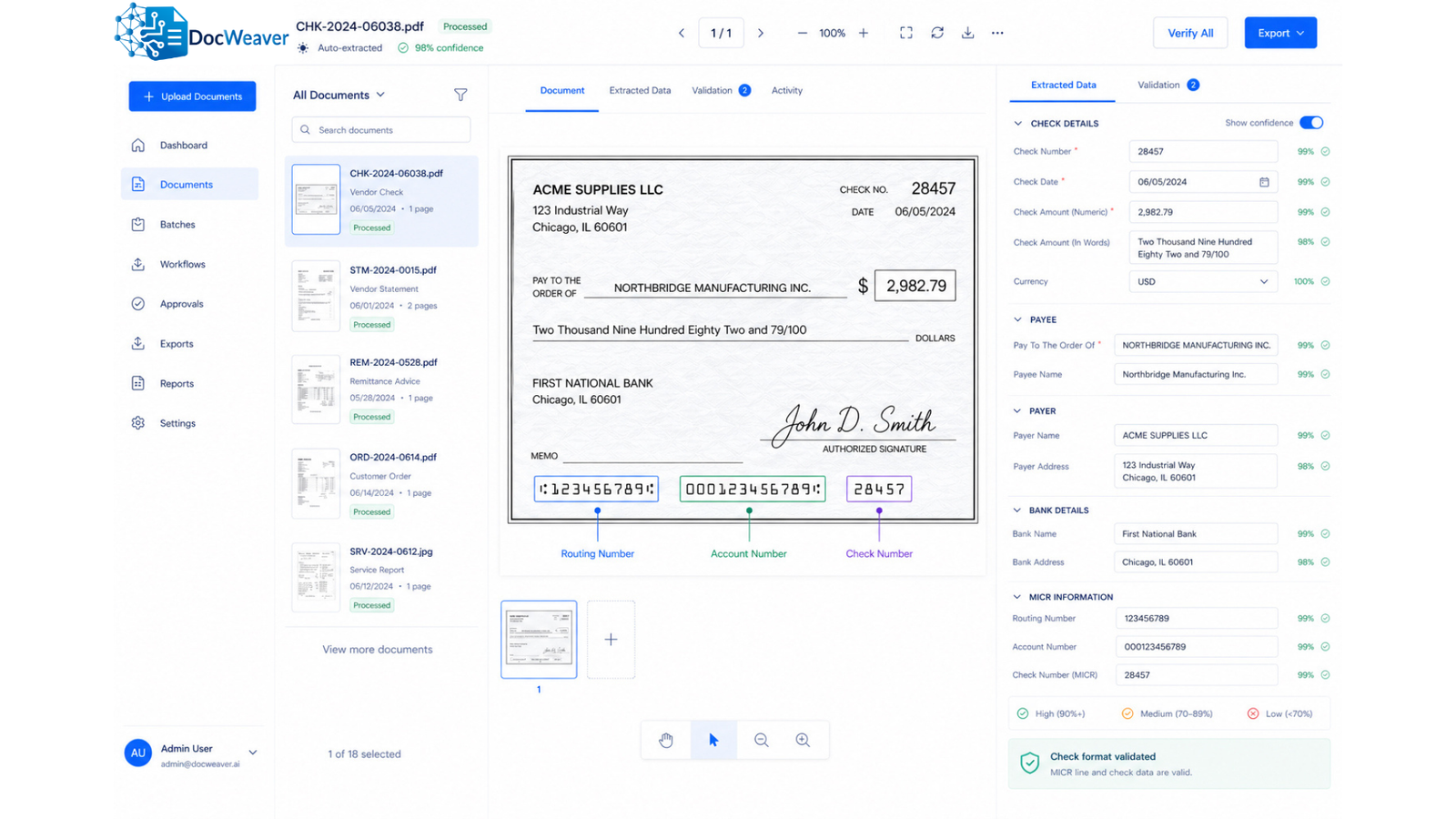
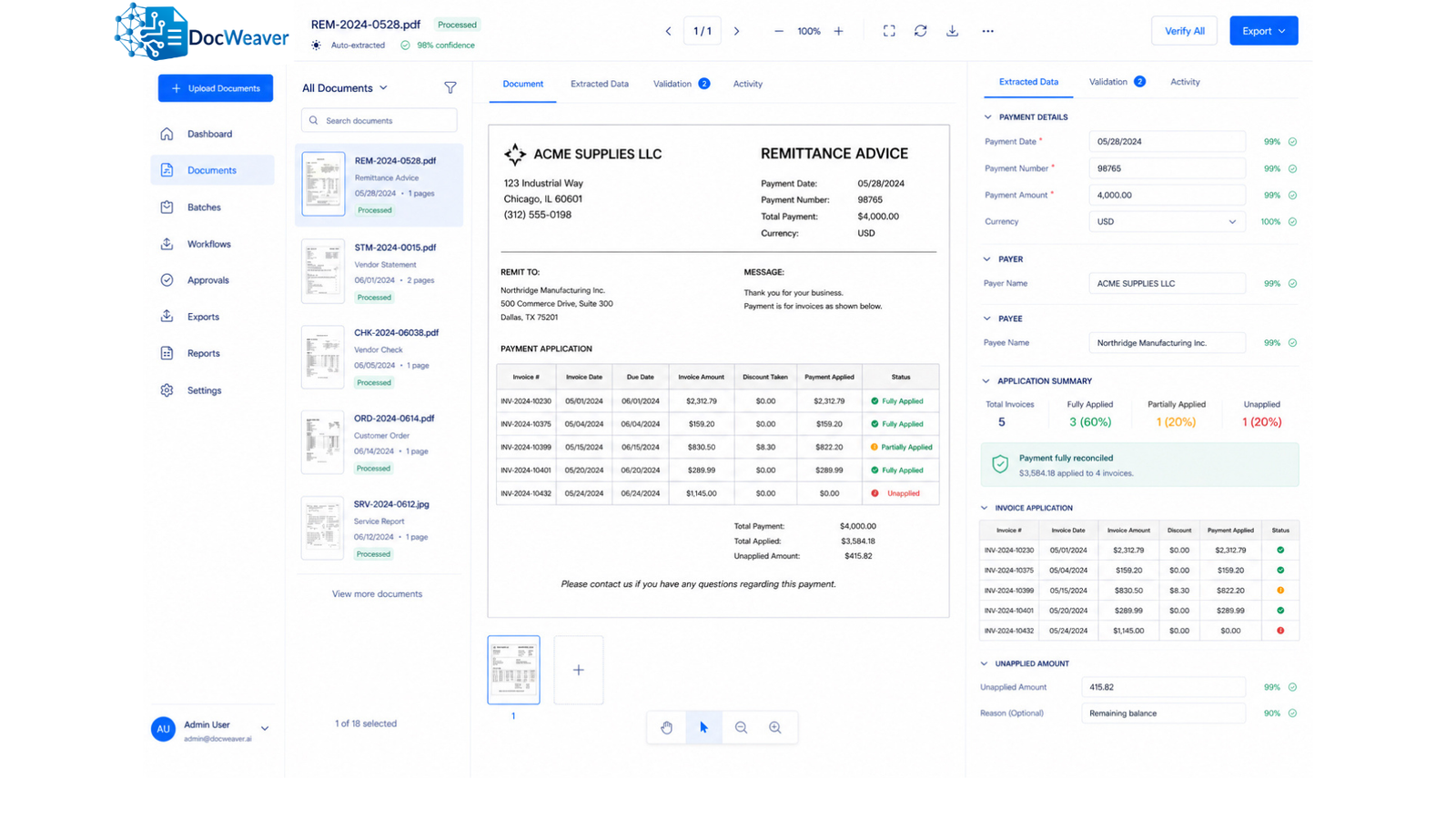
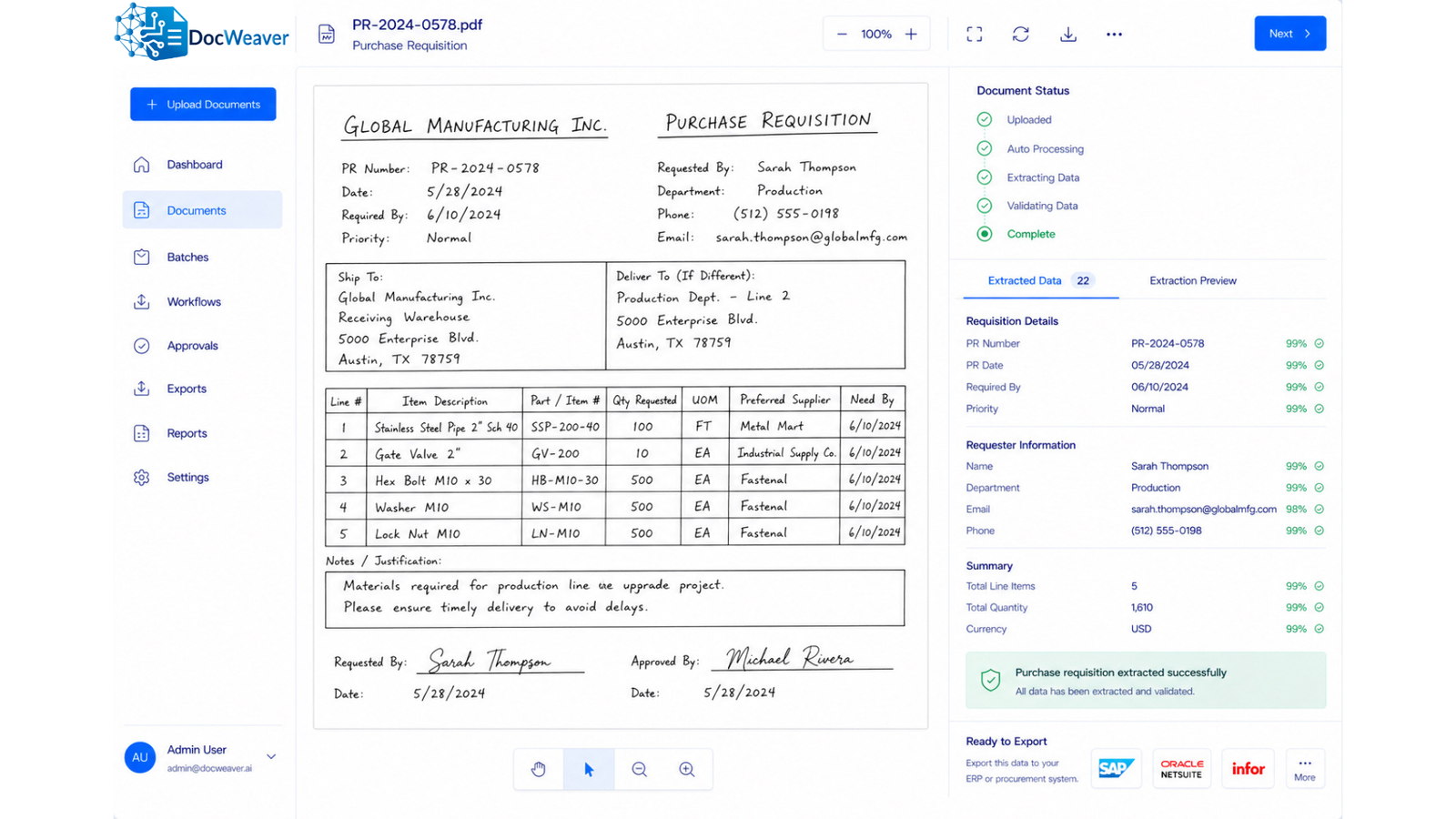
Turn Financial Documents Into ERP-Ready Data
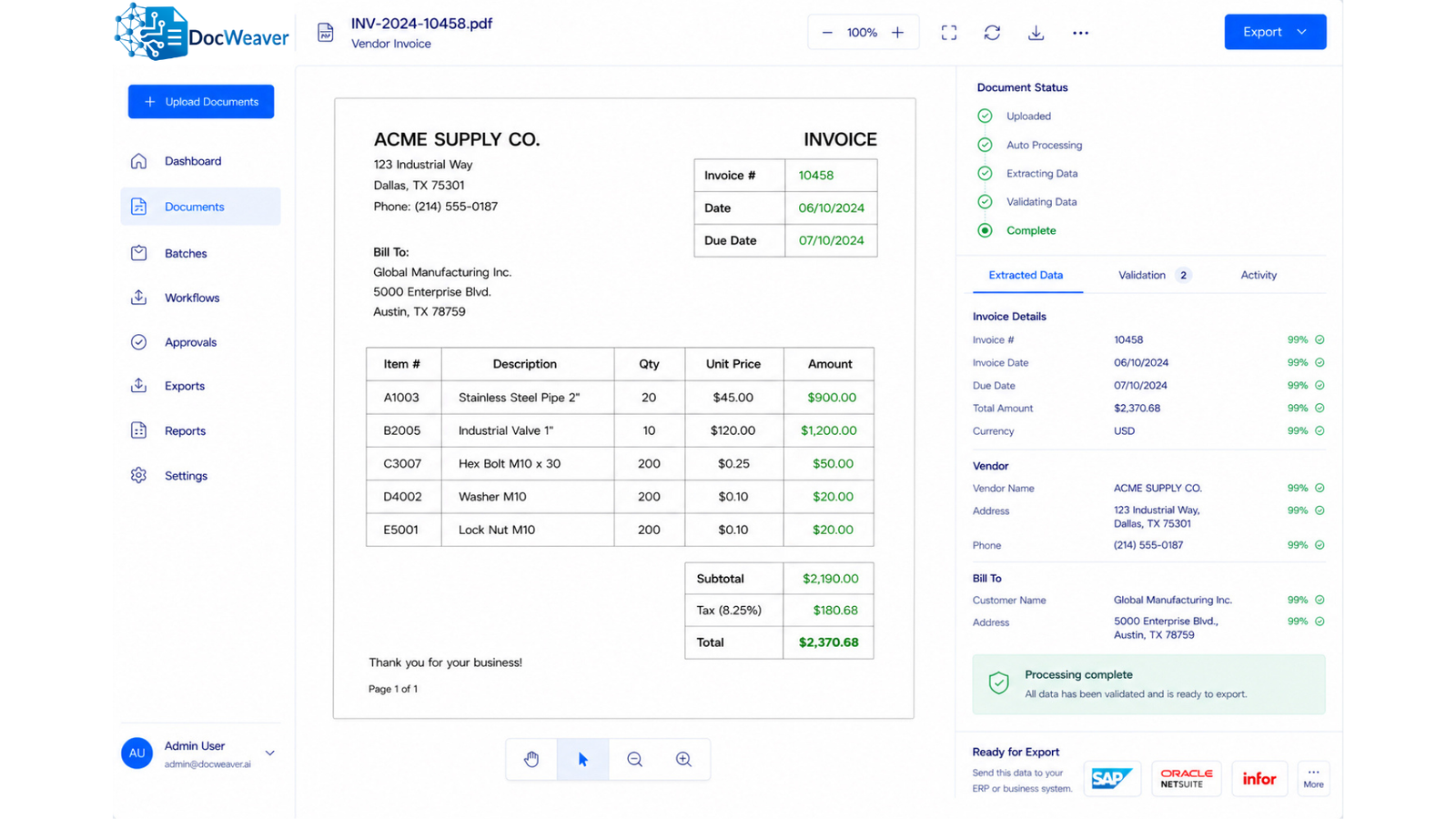
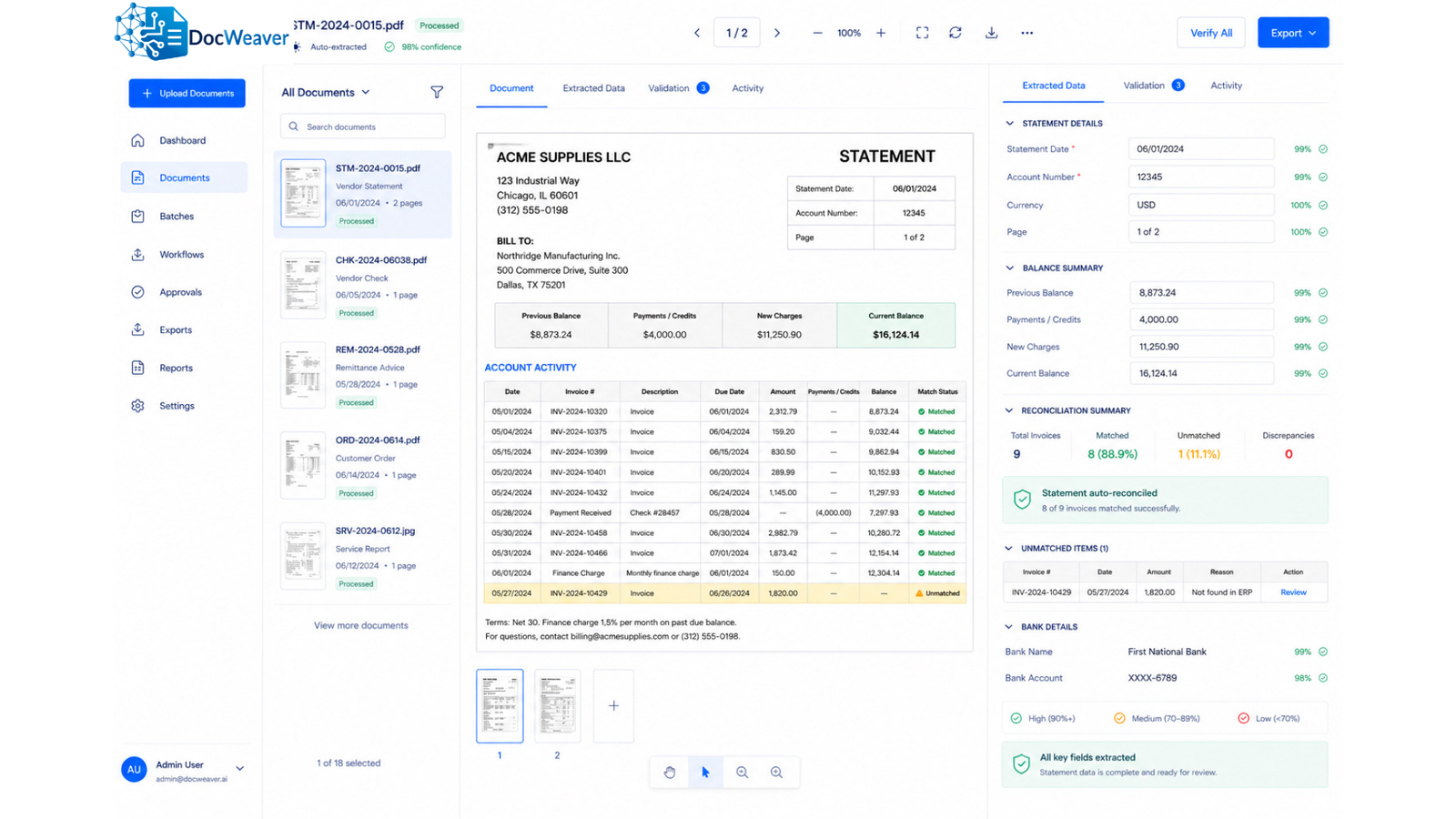
Manual processing of invoices, receipts, statements, and payment documents slows finance teams and creates avoidable errors. DocWeaver captures incoming documents, validates key data, and routes it into your ERP faster.
- Extracts key finance data automatically
- Reduces rekeying into ERP
- Supports approvals and routing
- Matches documents faster
- Creates clean audit trails
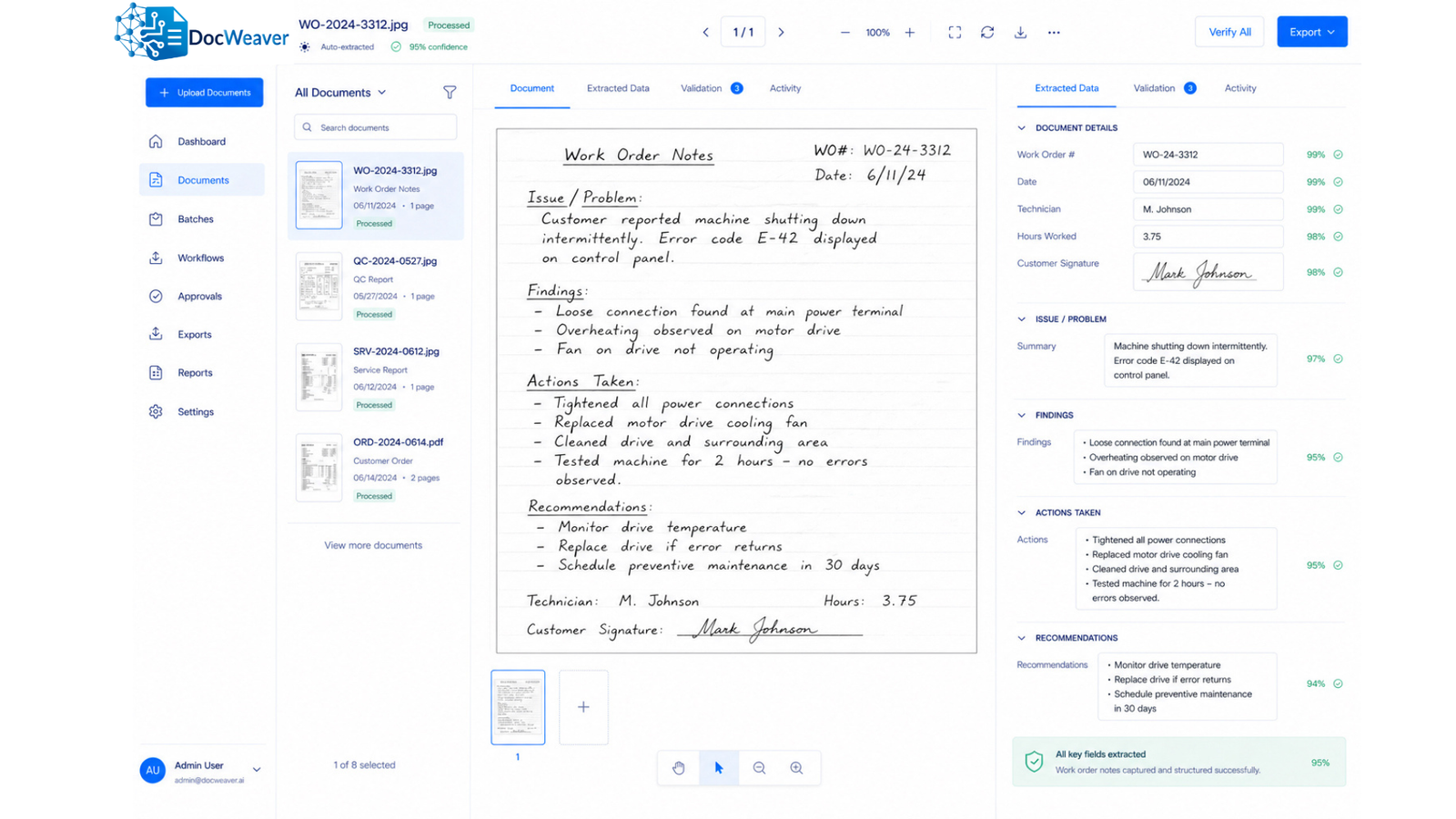
Capture Factory Documents From the Shop Floor
Production teams still rely on handwritten or printed documents that slow updates and reduce visibility. DocWeaver converts factory paperwork into usable digital data — keeping the floor and the office in sync.
- Reads handwritten and printed forms
- Extracts quantities, job numbers, status updates
- Updates ERP production records
- Reduces delays between floor and office
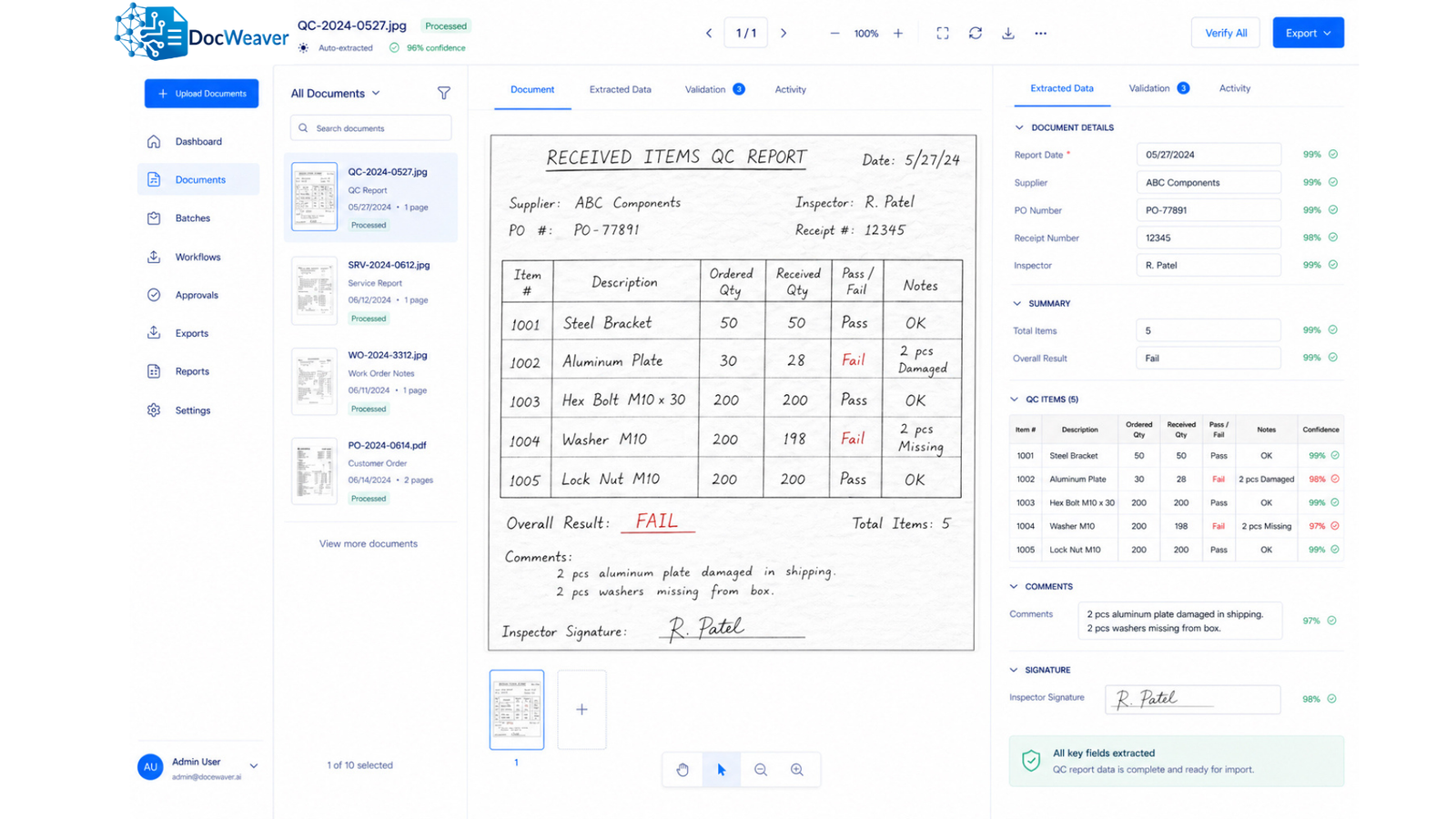
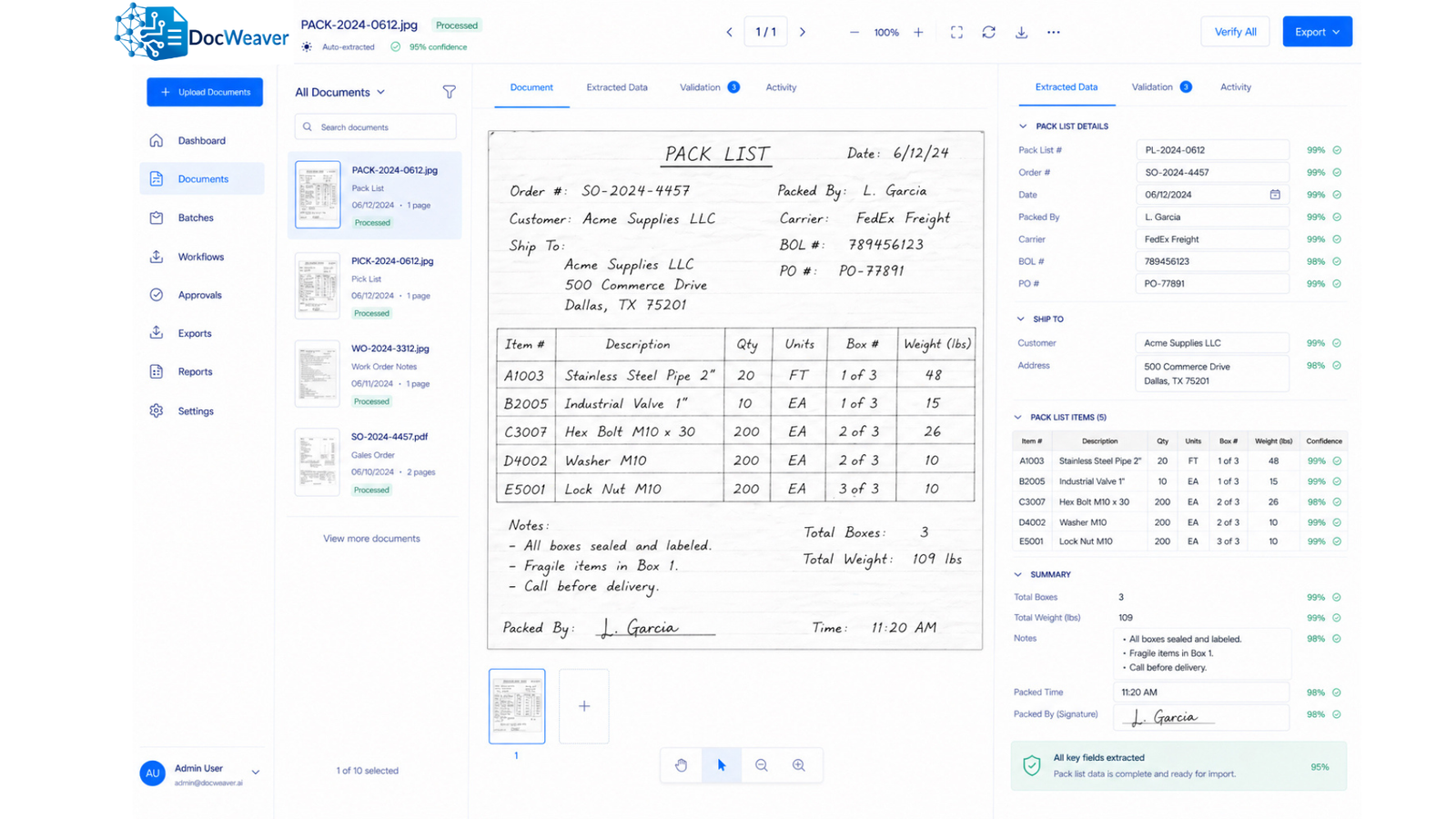
Keep Warehouse Operations Moving With Clean Data
Warehouse teams handle pick slips, pack lists, receiving forms, and shipping documents every day. Manual updates create delays and errors. DocWeaver helps digitize these workflows and keep inventory records accurate.
- Captures warehouse document data quickly
- Updates inventory and shipment records
- Supports receiving and outbound workflows
- Reduces paperwork bottlenecks
- Improves fulfilment accuracy
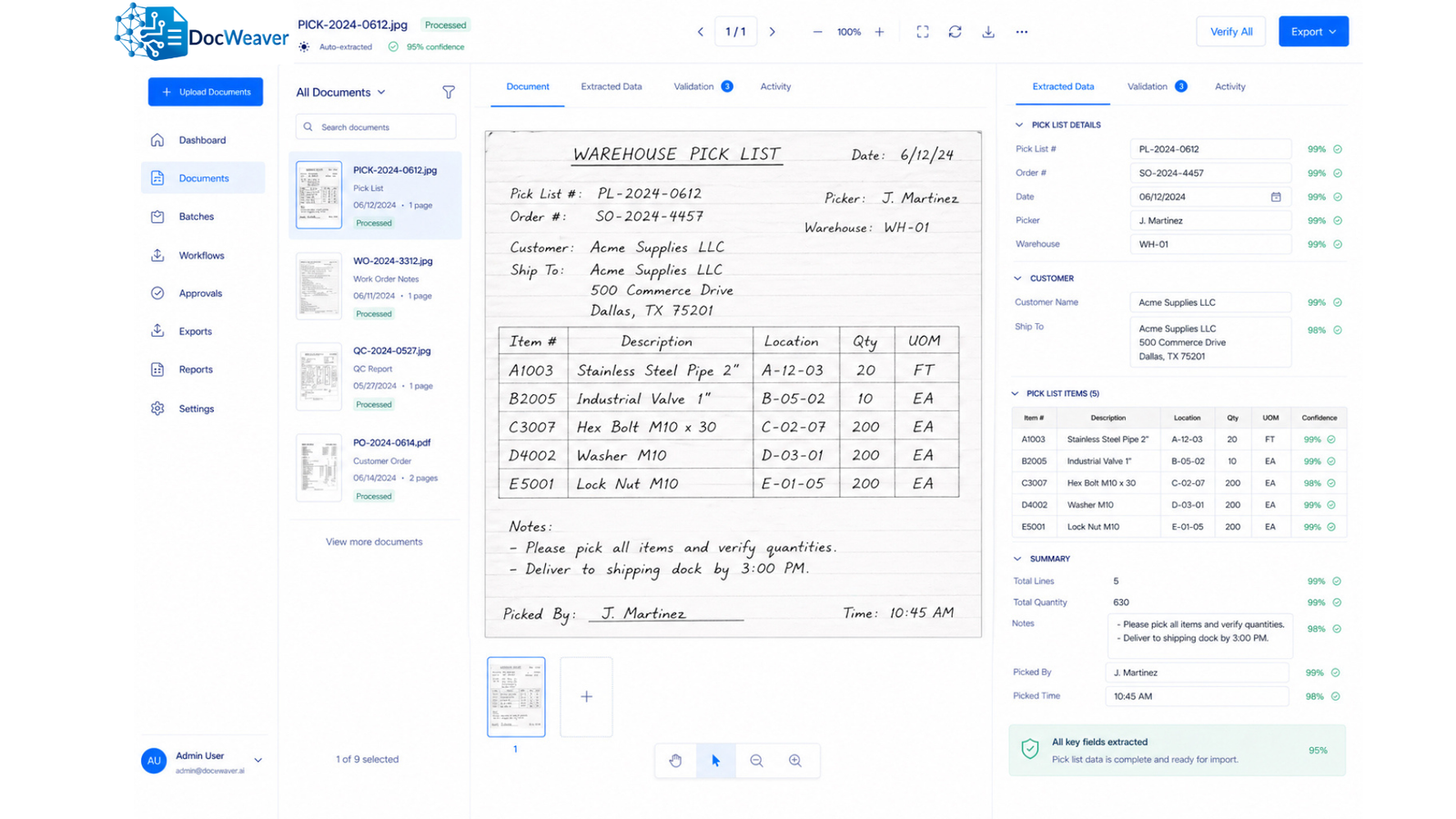
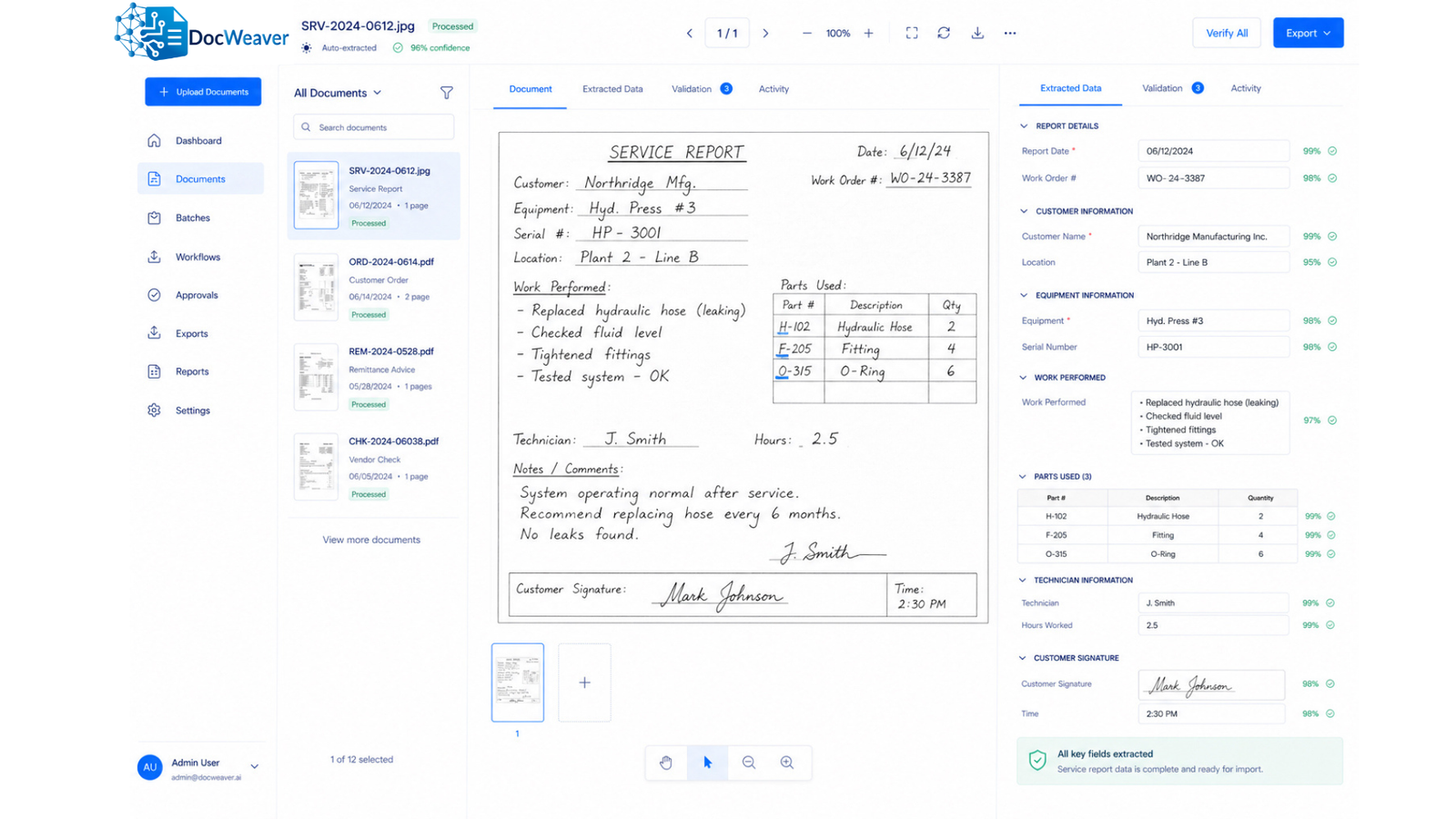
Turn Technician Paperwork Into Actionable Data
Service teams often return with handwritten reports, signatures, photos, and job notes. DocWeaver converts field paperwork into structured business data — so billing, records, and ERP updates happen automatically.
- Captures technician reports digitally
- Extracts labour, parts, and service notes
- Routes data to billing or ERP
- Stores records automatically
- Speeds post-job admin work
Fits Into Your Existing Process
DocWeaver works with your current systems and workflows, so automation doesn't mean starting over.
ERP Integration
Connect processed document data to your ERP so information stays centralised and usable — without replacing what you already have.
Seamless Workflow
Support existing approval and review steps instead of forcing teams into an entirely new process. DocWeaver works around your people.
Flexible Setup
Adapt outputs, routing, and field mapping to the way your documents and teams already work. No rigid templates required.
See DocWeaver in Action
Discover how your documents can flow directly into your ERP — accurately, automatically, and without complexity.